The complete tracker
for coaching yourself.
Training, food, sleep, health and check-ins, all in one place. You decide how much of it you use.
No phone at hand? Open it in your browser.
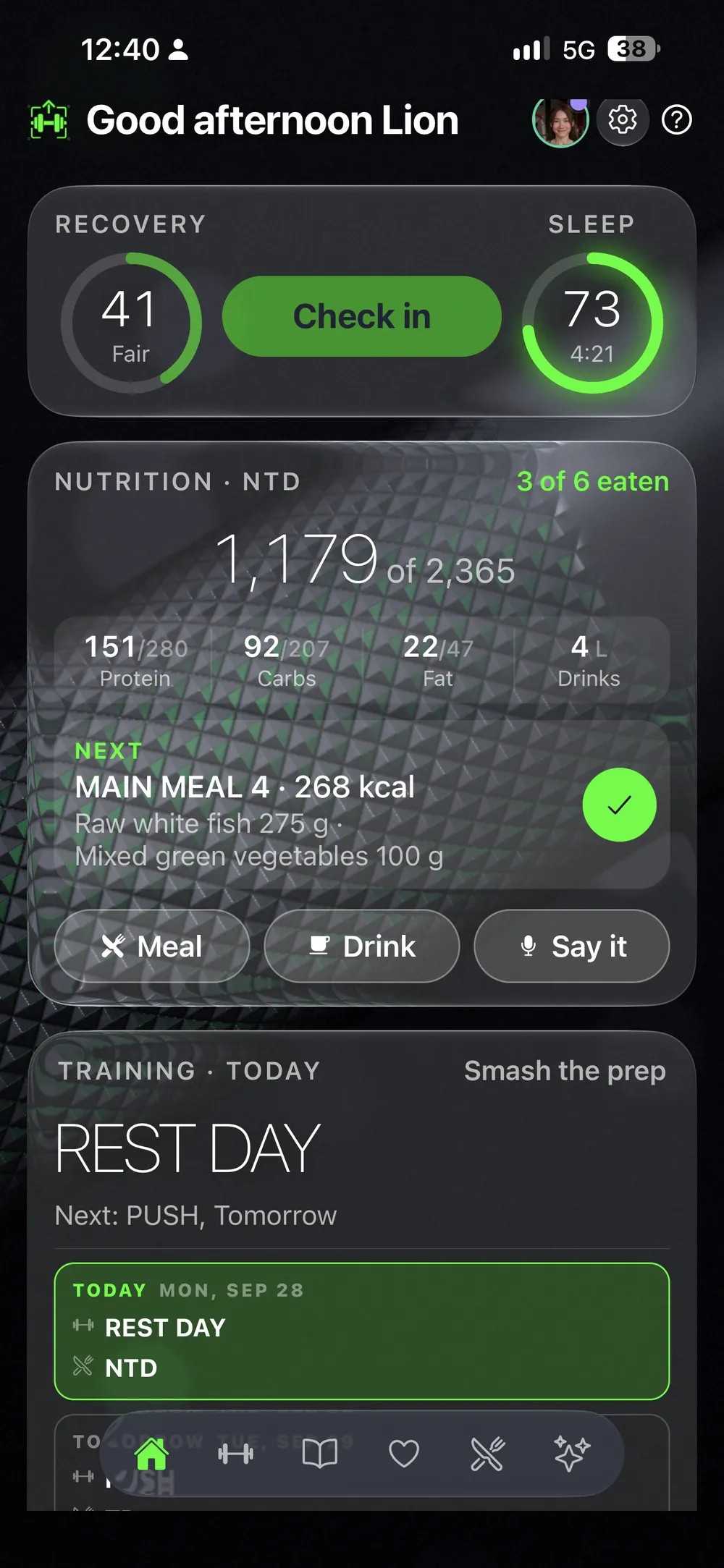
You can start small.
Or go all the way.
Weight, health, workouts.
Log your weight, your health and your workouts. That is enough to begin, and the rest waits until you want it.
A full competition prep.
Every detail you need: training, food, supplements, check-ins, photos and measurements, in one log.
Put the cards on your dashboard in the order you want.
For people who do not have a coach.
And for the coach you have.
Coach yourself.
Your plan, your numbers and your trend in one place. You see what you beat and what to do next. The AI coach is there only if you want one.
Your coach sees all of it.
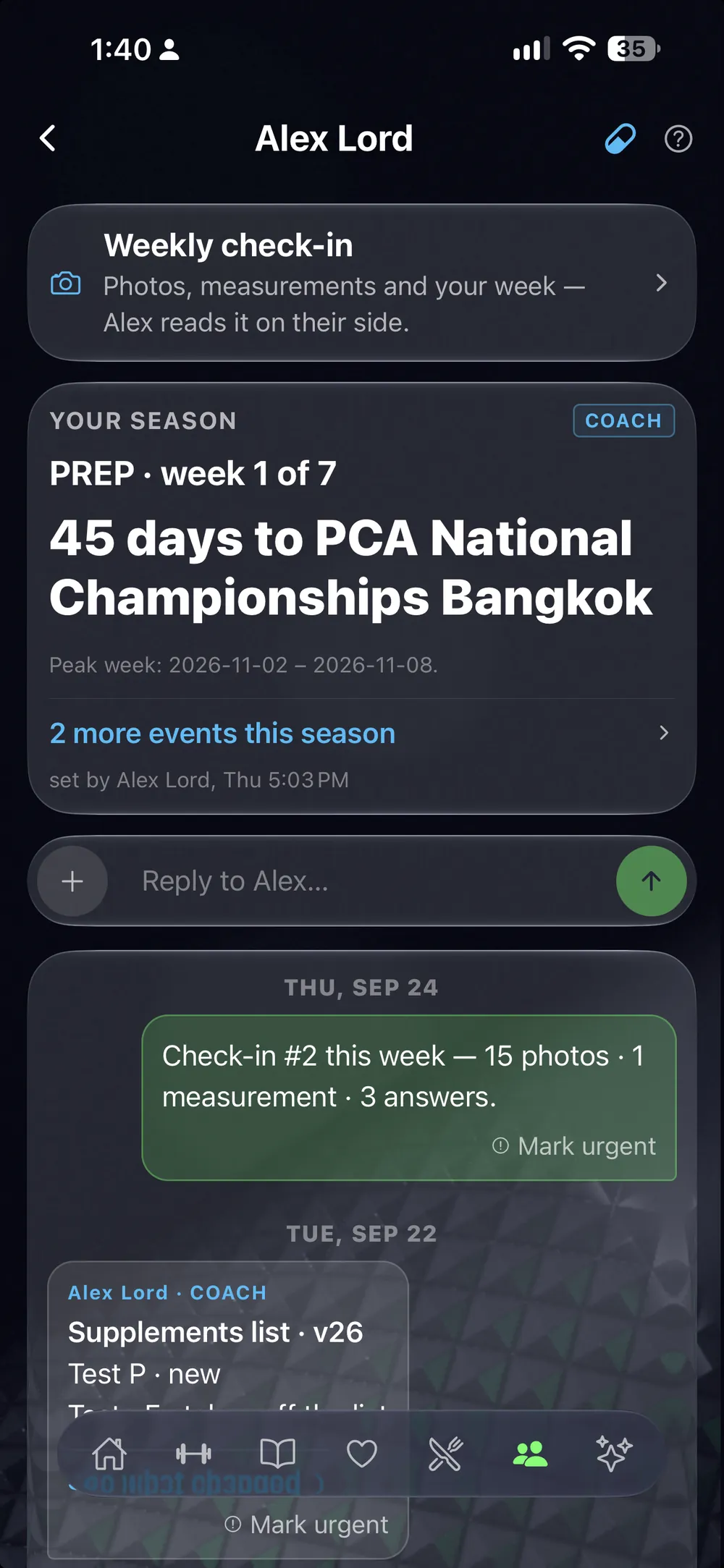
Your coach sends you a link. You tap it, and your training, food, health and check-ins are on their screen. They set your plan and your check-in days, and every change shows on your phone. You talk in one thread.
The apps you would need for your training.
In one.
A workout log. A food tracker. A sleep and recovery app. A step counter. Check-ins with photos. A planner. Supplements. A coach. LiftScan is all of them, and they write into one log.
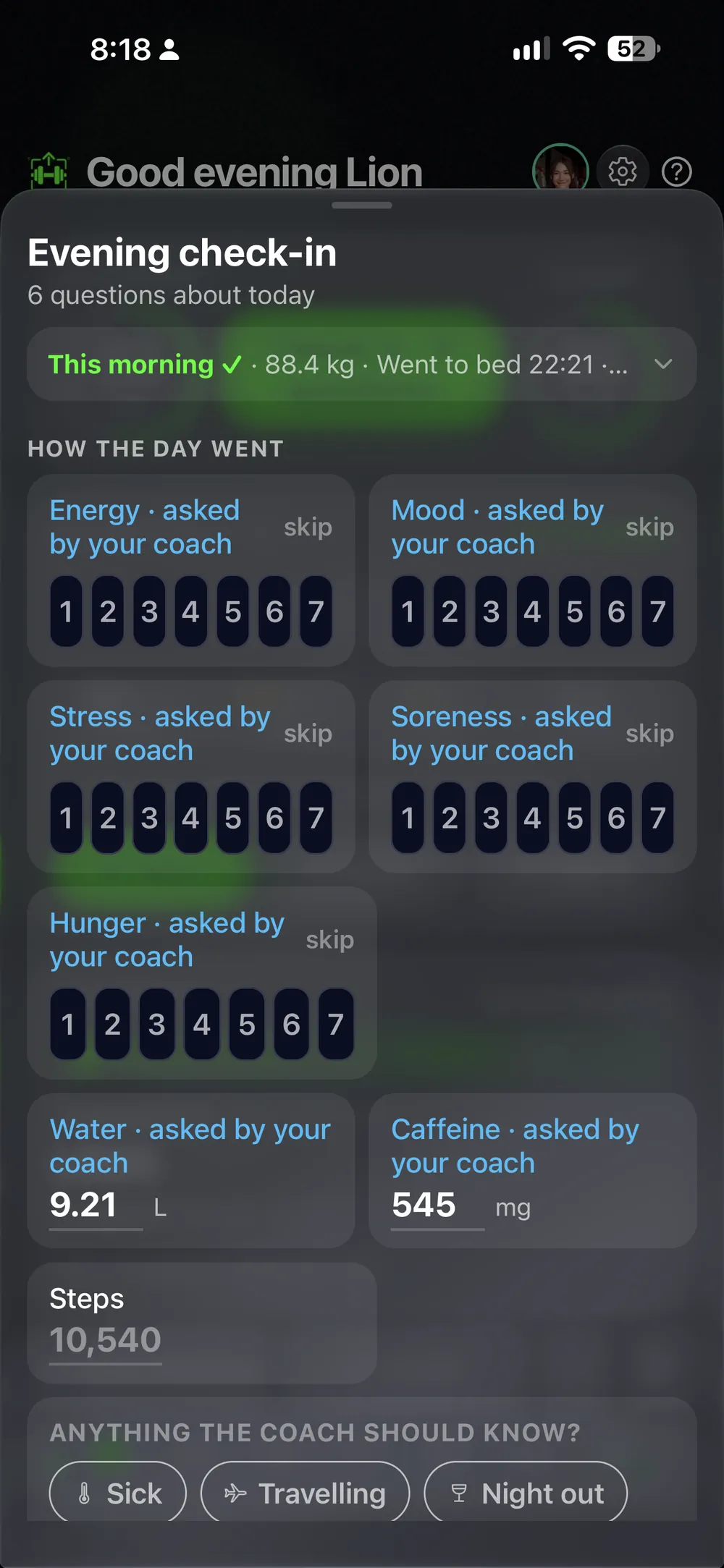
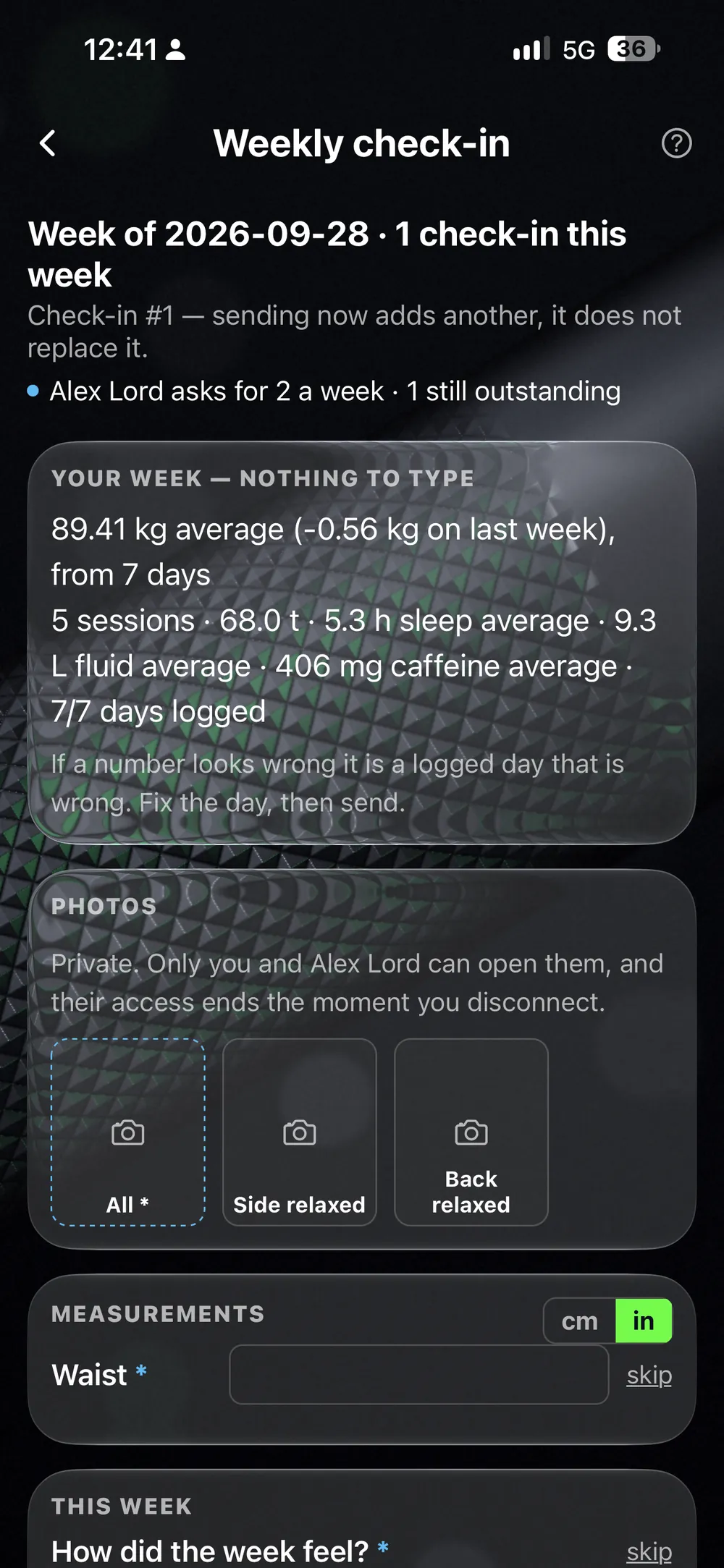
You choose what to check in, and when.
Morning, evening or any time. Sick, travelling or a night out? One tap, and it is on record.
Photos and measurements go in on the days you choose. Your averages are already counted, so you type almost nothing. Put two check-ins side by side and compare the photos.
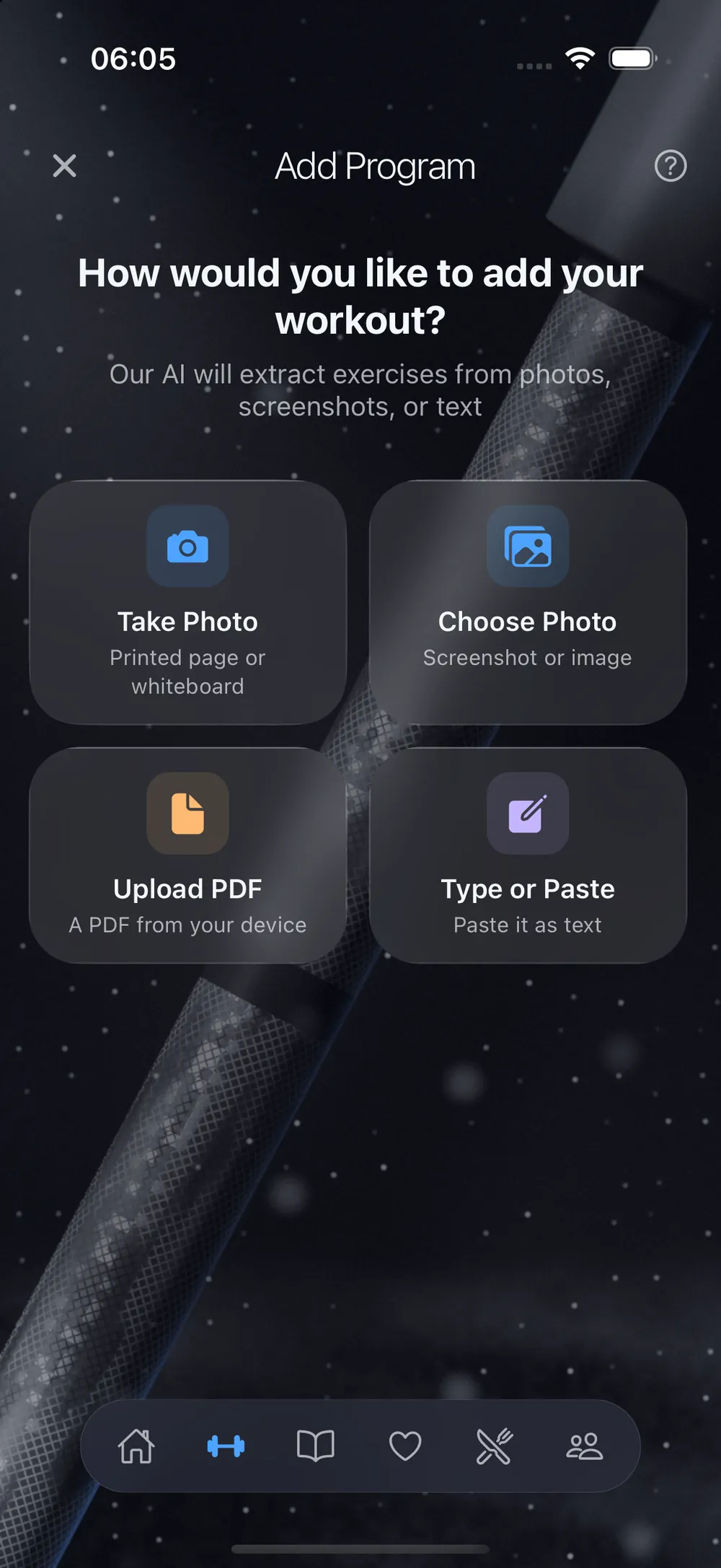
Getting a plan is easy.
Pick the way in that fits you.
As little or as much as you want. You set it up, the app keeps up.
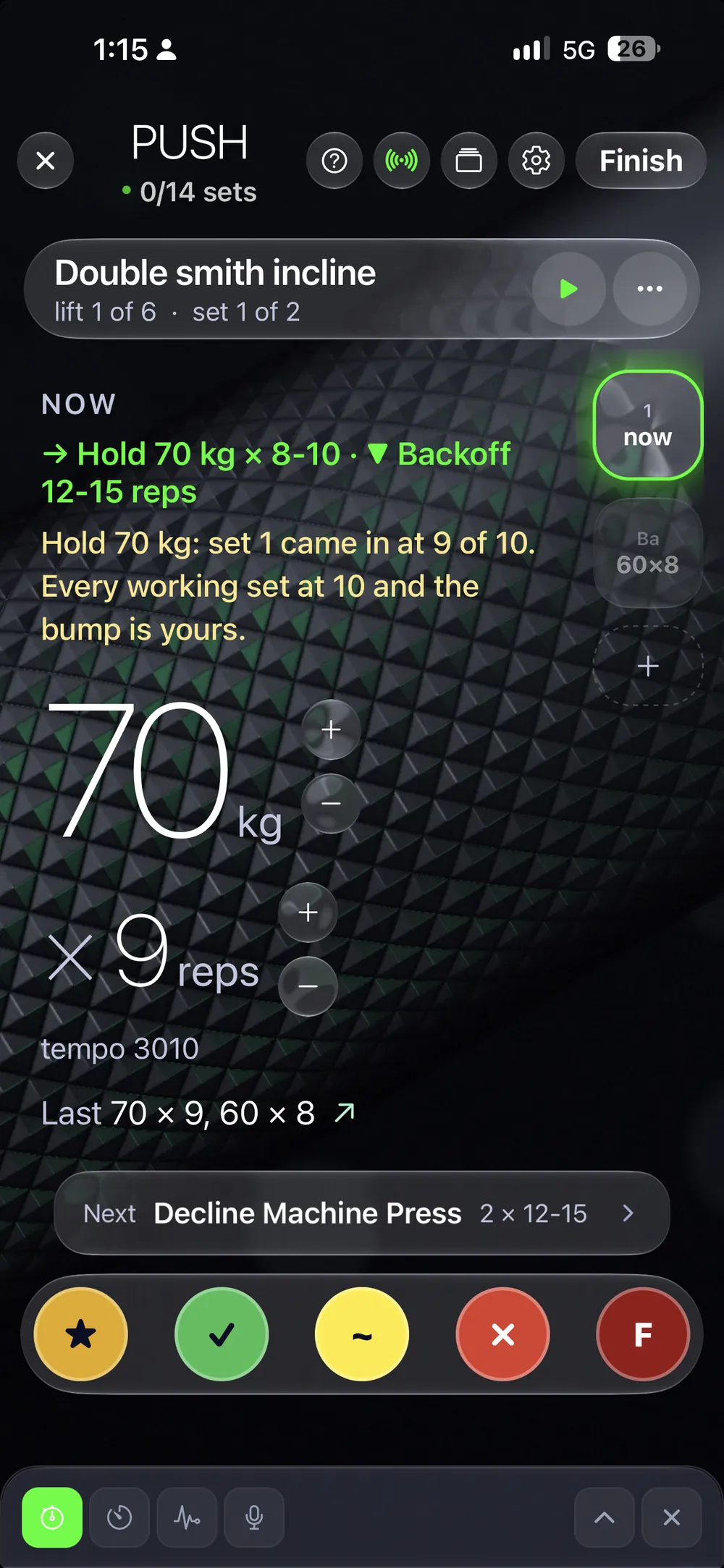
Last time's numbers are already filled in.
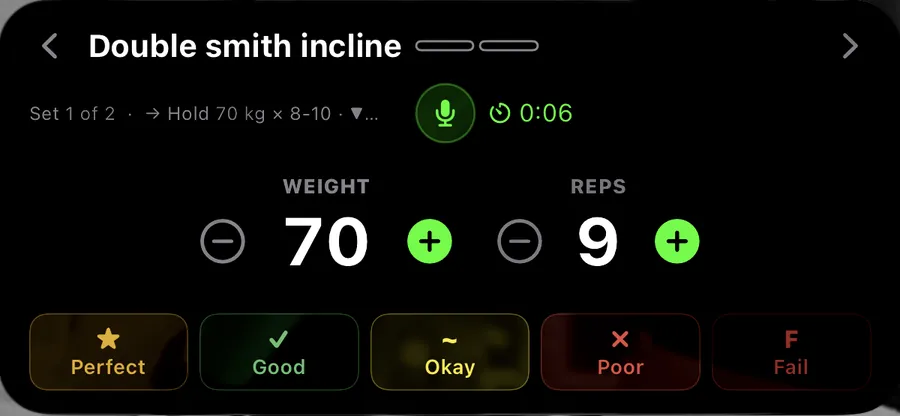
One tap on the check saves the set. Hold it, and you grade the set from Perfect to Fail. Hit the top of your rep range on every working set, and an arrow shows there is room to add weight.
The session sits on your Lock Screen, and you can log sets from your Apple Watch. After the session, you see what you beat compared with last time. Cardio goes in the same log.
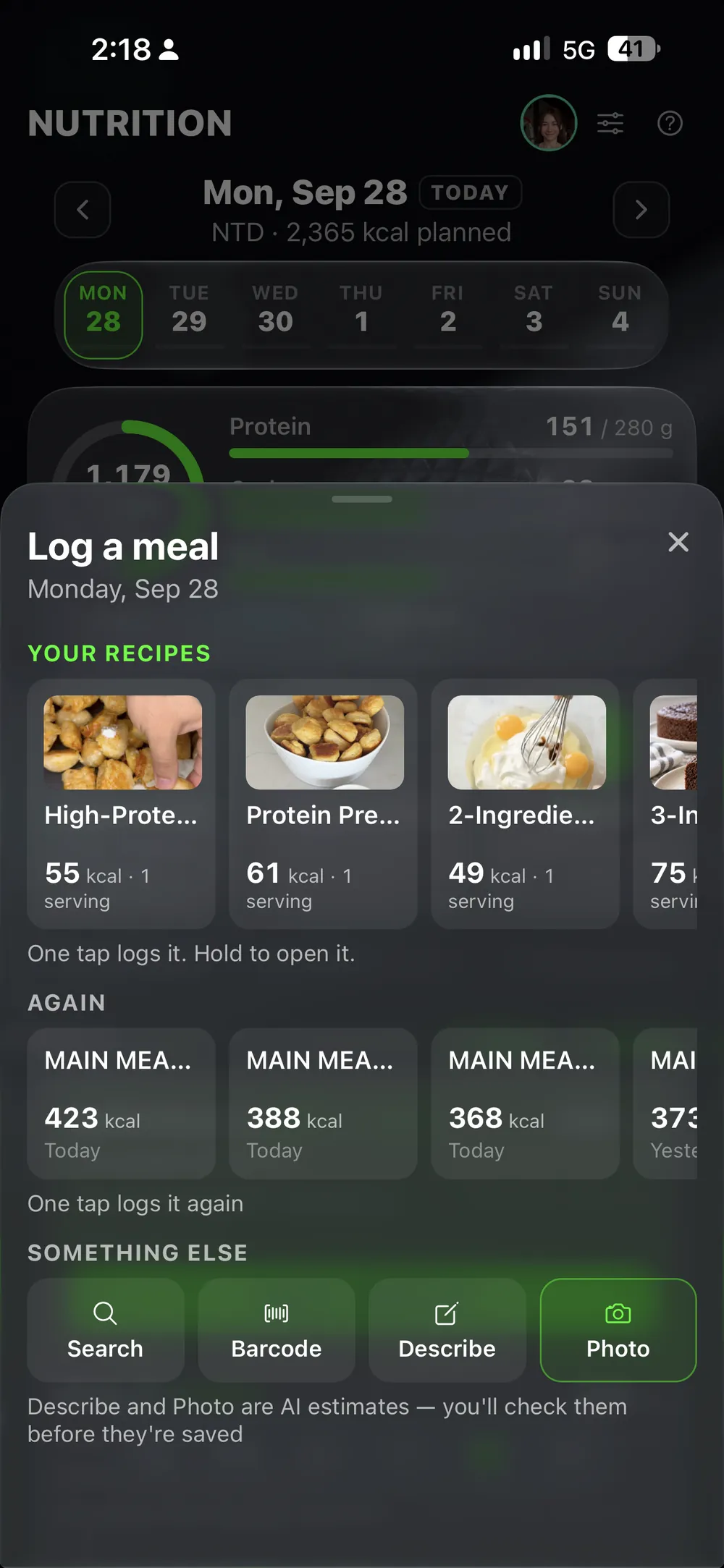
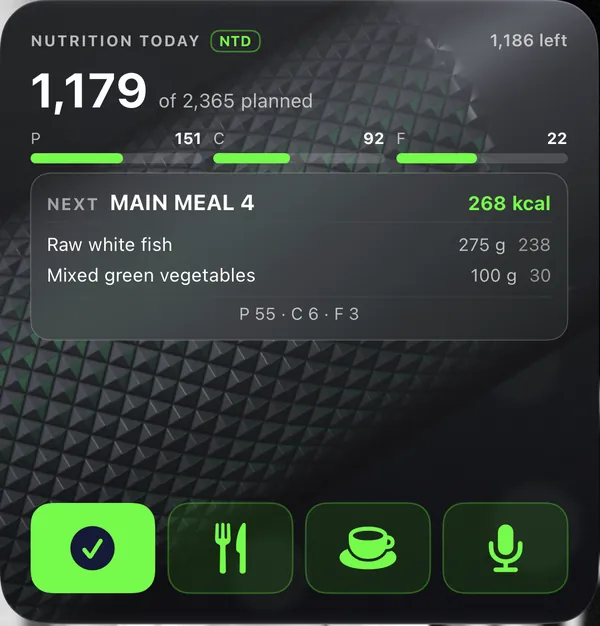
Log a meal by barcode, photo or a few words.
Nothing saves before you check it. Set your targets for calories, protein, carbs and fat. Drinks count toward your fluid and caffeine, and you tick off your supplements as you take them.
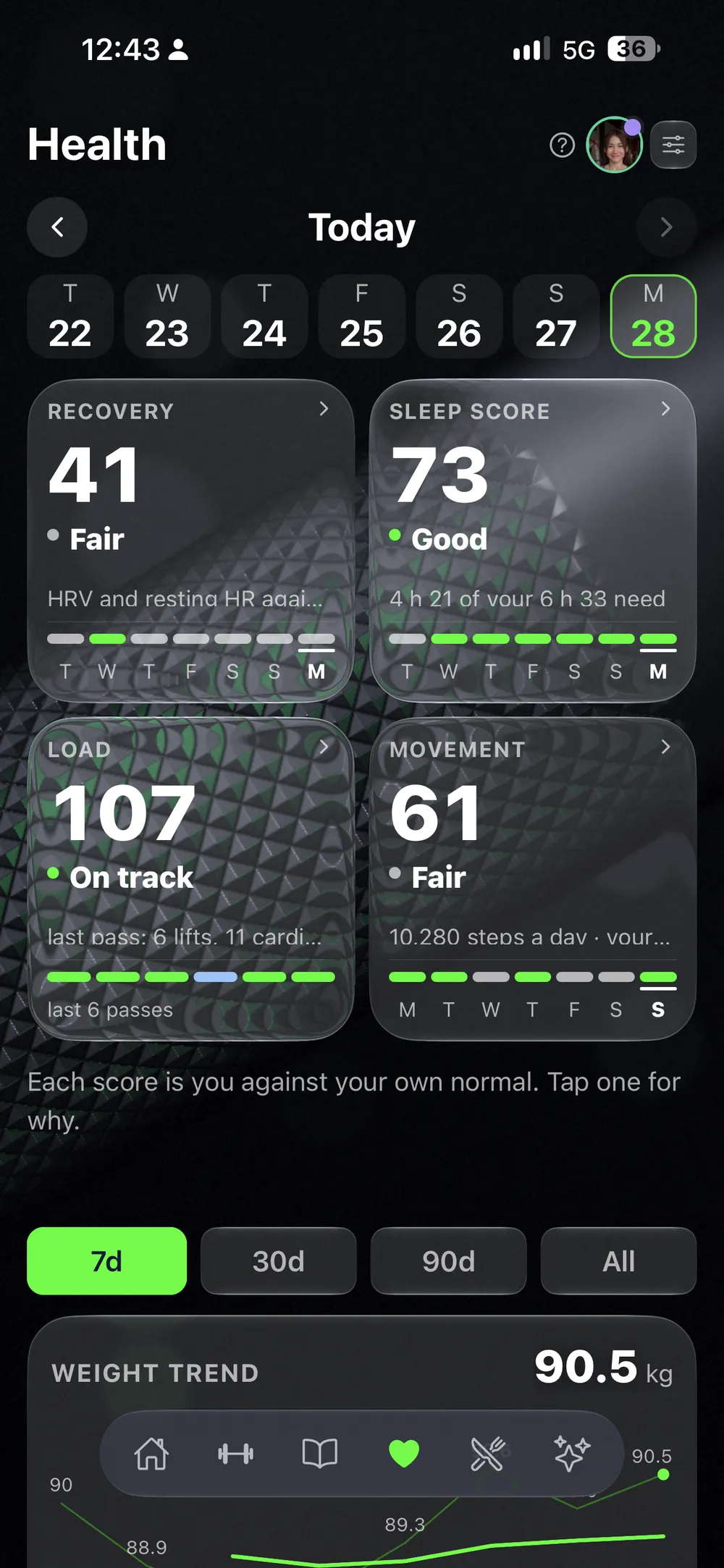
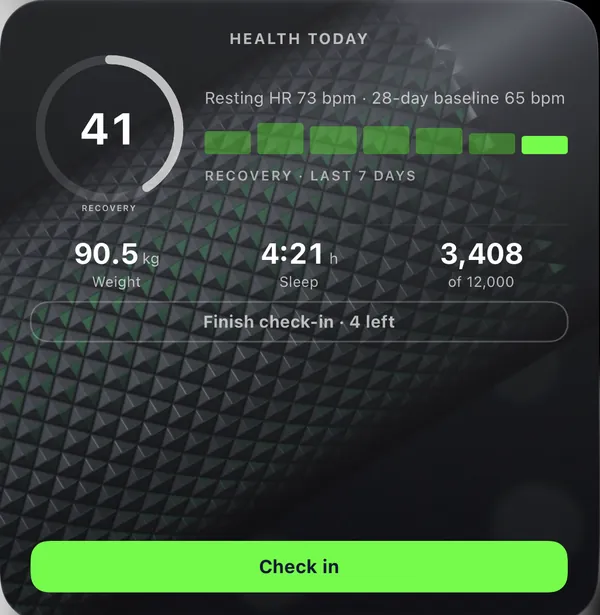
Sleep, heart rate, steps and weight come in on their own.
With your permission, LiftScan reads them from Apple Health or Health Connect, each with its own switch. Your recovery and sleep scores sit at the top of the Health tab. Tap one to see each part.
Everything else you keep track of.
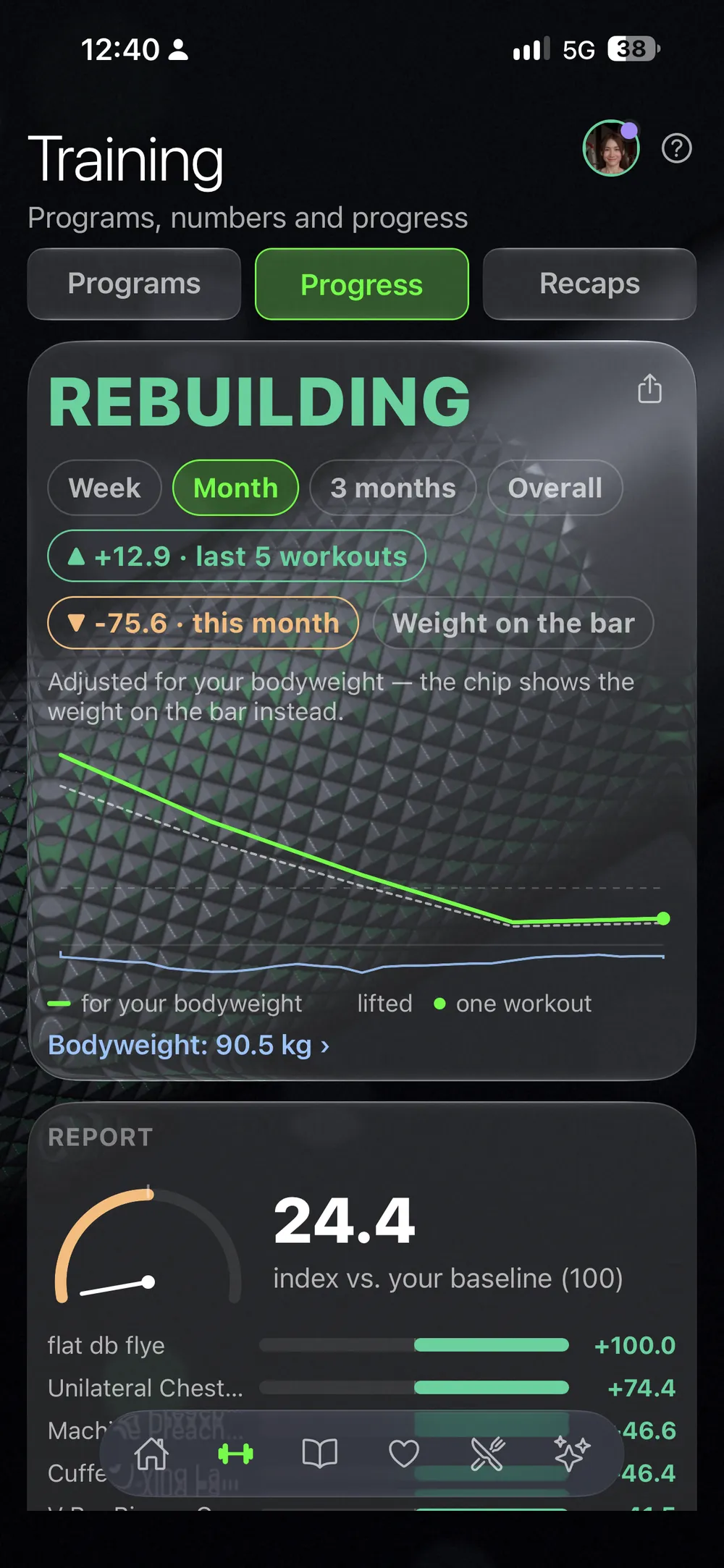
Progress
Every lift gets a plain verdict from your own top sets: progressing, holding or needs attention.
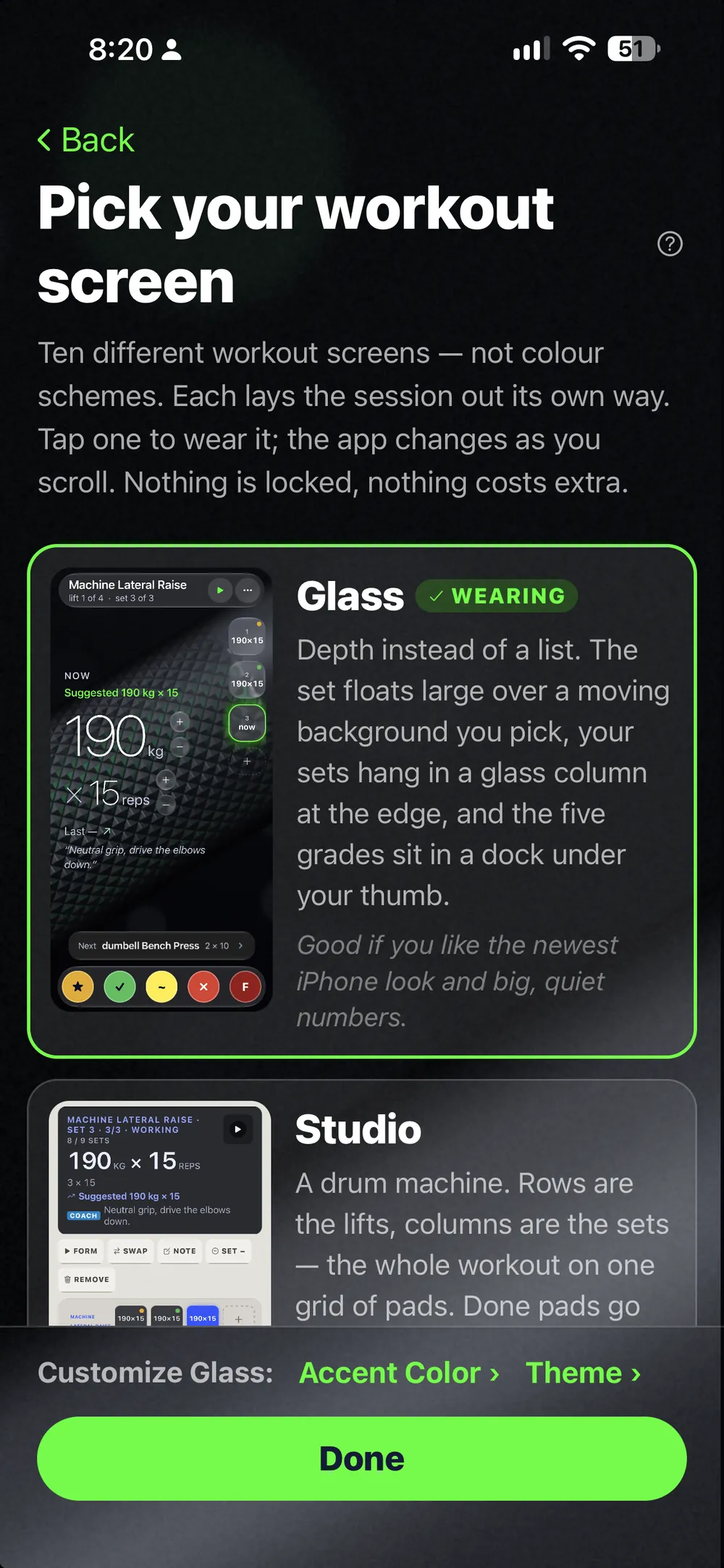
Ten styles
The workout screen comes in ten styles.
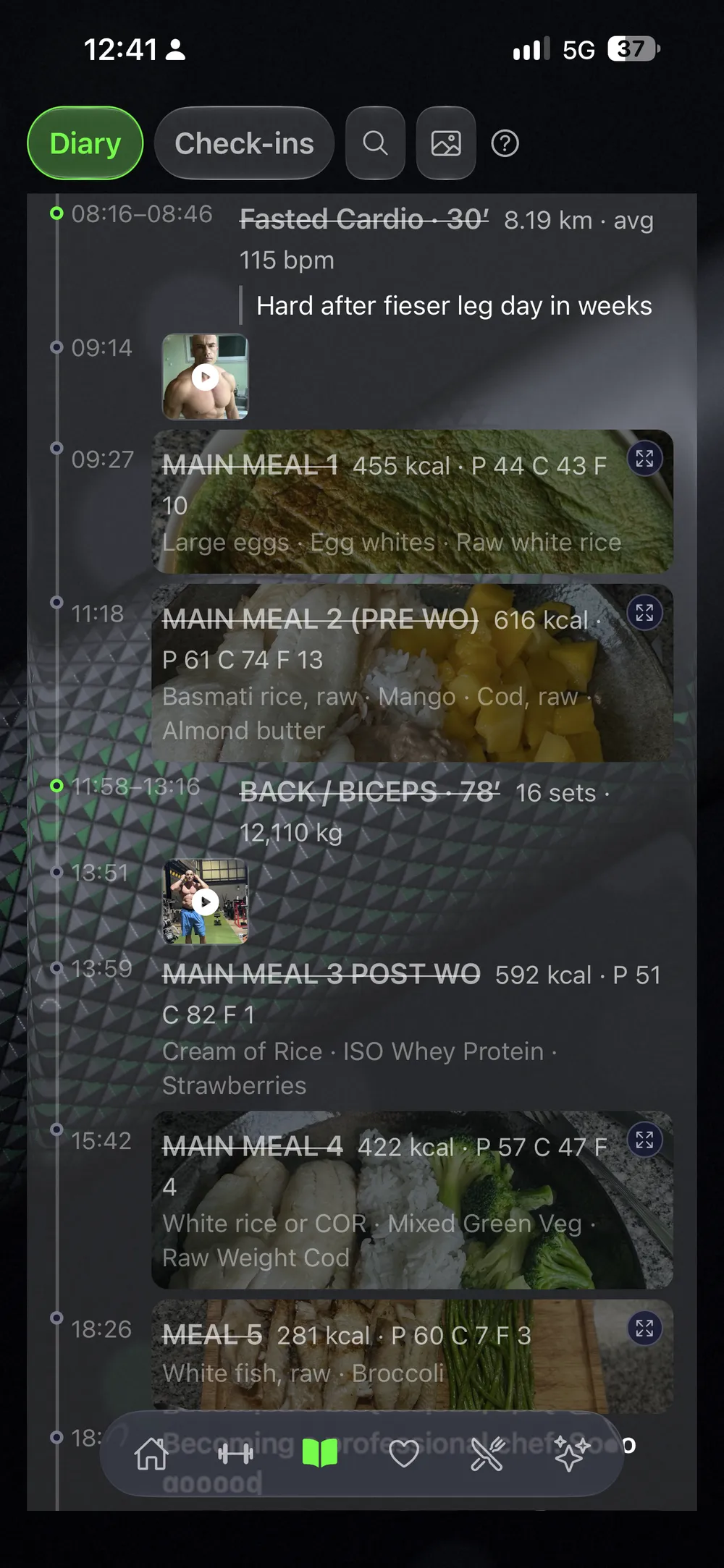
Diary
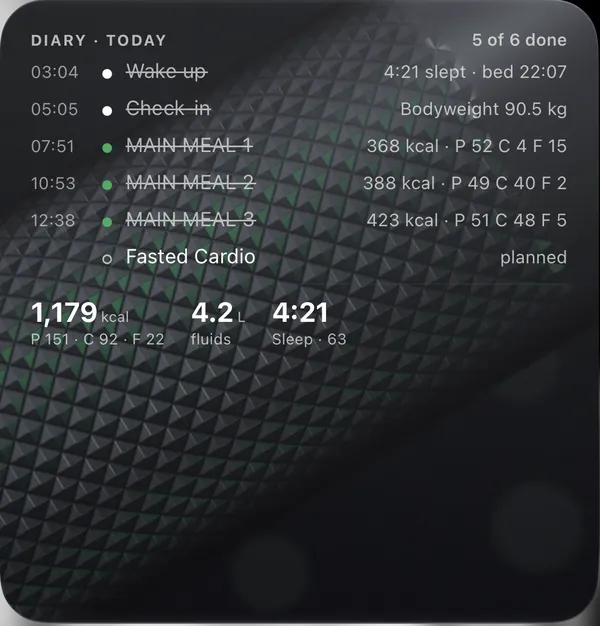
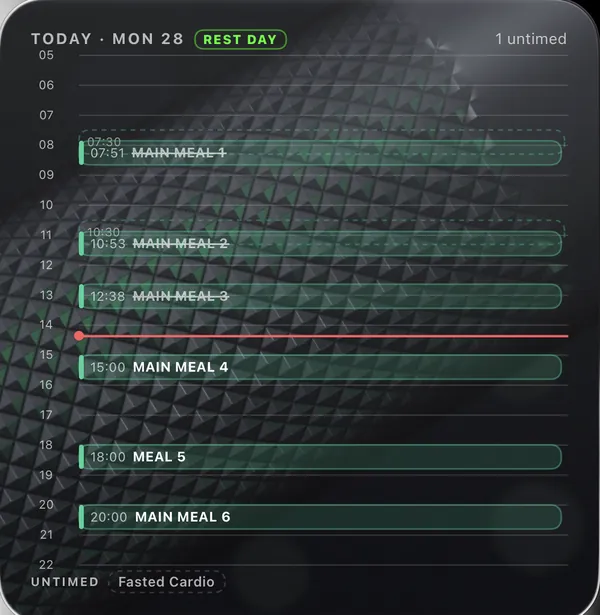
Every day, in the order it happened.
Widgets and the Lock Screen
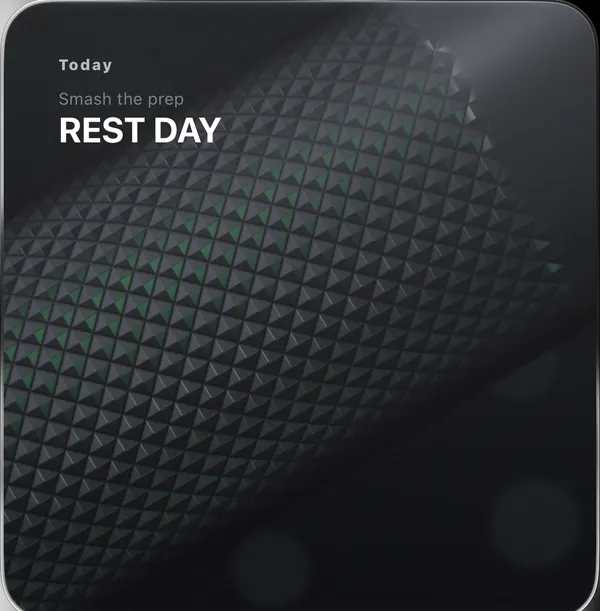
Widgets show your day on the Home Screen. During a workout the set is on the Lock Screen and in the Dynamic Island.
Planner
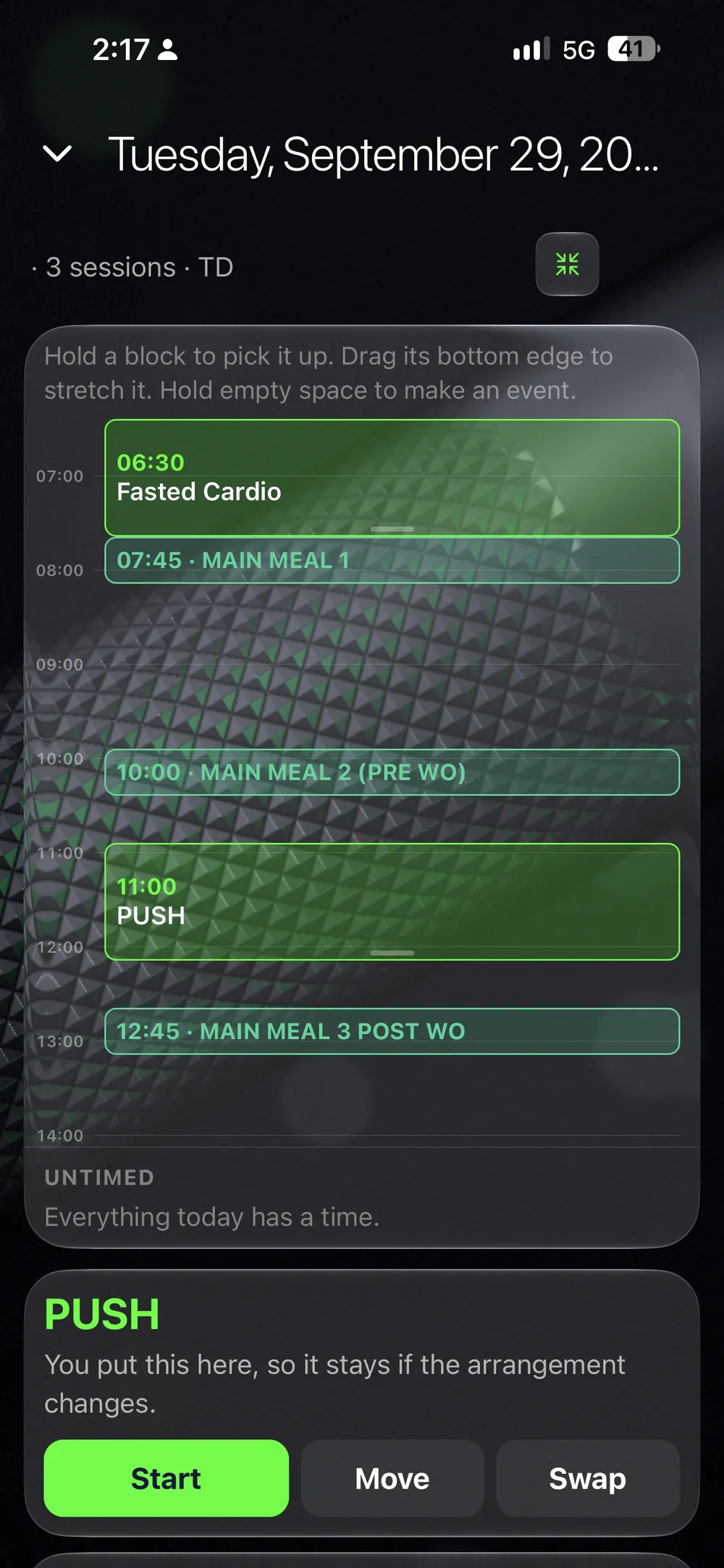
What you train on which day.
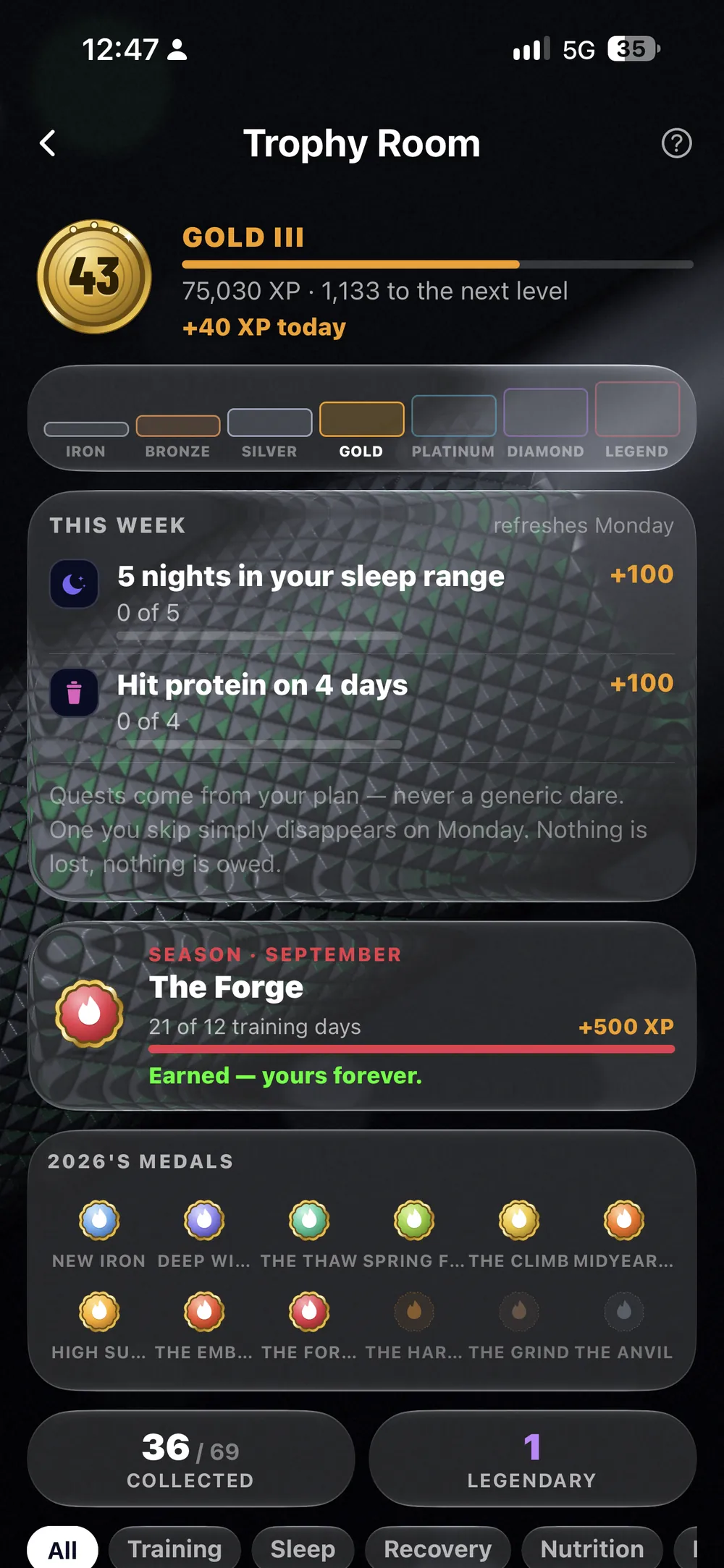
Trophy Room
Ranks, quests and a medal for each month.
Your coach
Training with a coach already? Connect in the app, and they see your workouts, check-ins and weight.
Your client logs it.
You see it.
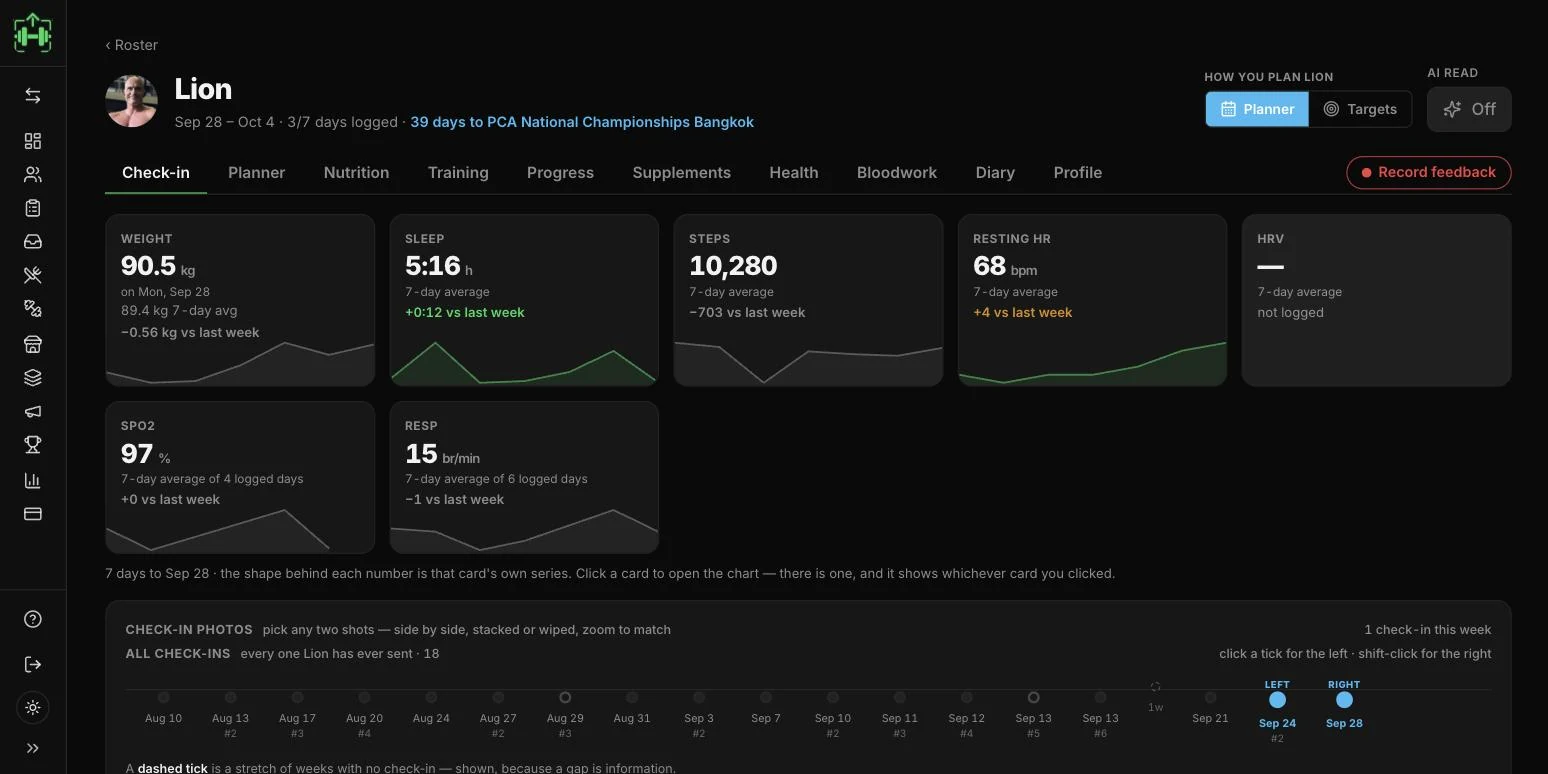
Your client tracks training, food, sleep and check-ins in one app. You see the same log in the cockpit, and you set the plan from there.
Their week is there before you ask. Photos, measurements and your questions. Sleep, check-in, sessions and meals, ticked off in order.
Every set, every meal. Open a day: the sets, the form-check videos, each meal with its photo.
You set the plan. Their phone follows. Each day, the check-in fields, the supplements. Every change is on their phone at once, and a push message tells them what changed.
Your first client is free for you. No card, no clock.
An AI coach that reads all of it.
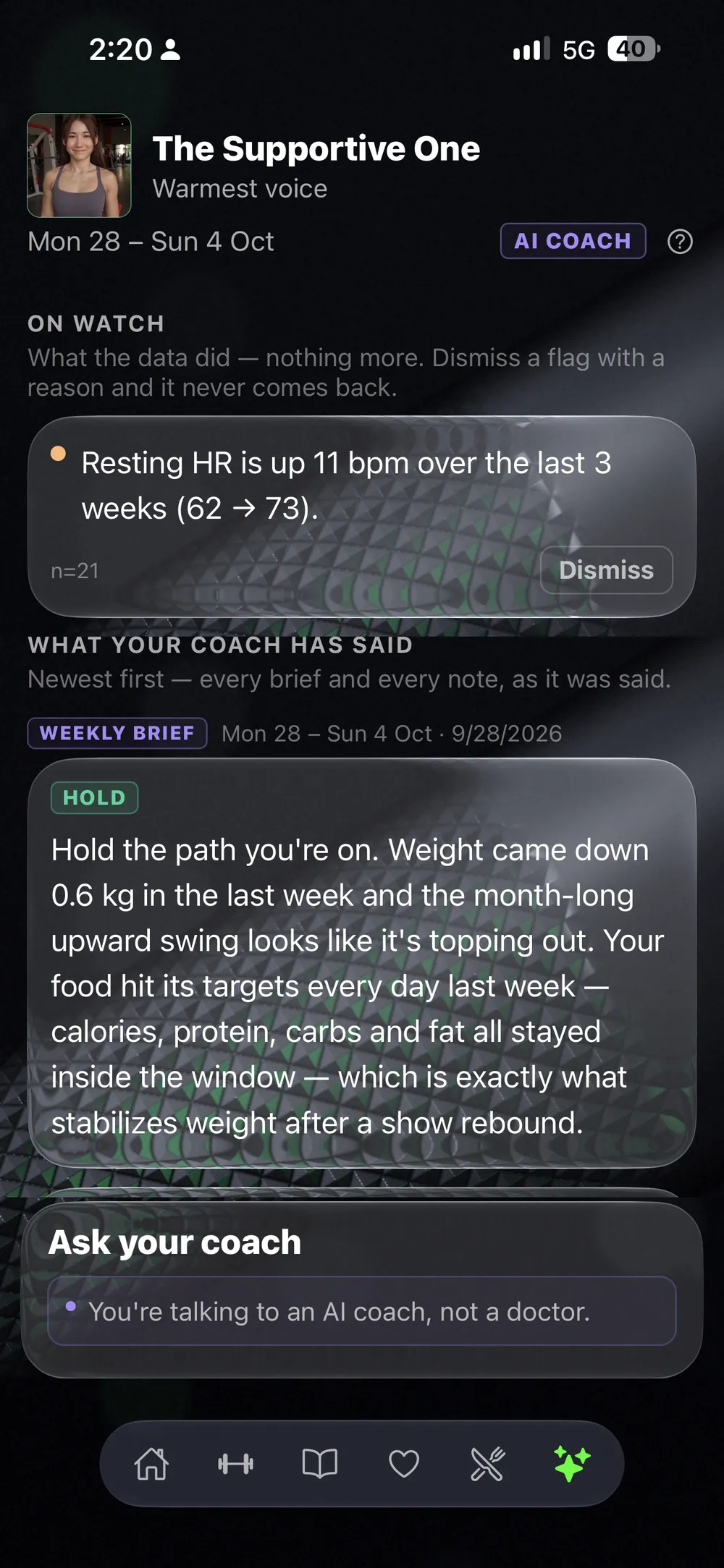
Training, food, sleep and check-ins. It answers your check-in, writes you a short brief and shows where each line comes from. You can ask it questions.
If it gets something wrong, tell it why, and your rule outranks its own.
It suggests. You decide.
Before you download.
Do I need a coach to use LiftScan?
No. LiftScan is made for coaching yourself. The AI coach is optional. If you have a coach, they send you a link, see your whole log and set your plan.
Do I have to use all of it?
No. Start with your weight, your health and your workouts. Add food, check-ins, photos or measurements when you want them.
Which phones does it run on?
iPhone and Android. You can also use it in your browser, and log sets from your Apple Watch.
I already have a plan. Can I bring it?
Yes. Scan it from a PDF, a photo or a screenshot and check what it read, or enter your coach's code.
Can my coach see my training?
If you connect to them in the app, they see your workouts, check-ins and weight.
Do I need the AI coach?
No. The tracker works without it. If you want one, it reads your training, food, sleep and check-ins and answers your check-in.
Start today.
Go as far as you want.
Your weight, your health and your workouts are enough to begin.
No phone at hand? Open it in your browser.